Set up your Buildertrend export once
Point Clickr at a spreadsheet, a warehouse or your own endpoint, and all 20 Buildertrend datasets keep arriving there every 10 minutes. Setup takes about 10 minutes and nobody runs an export by hand again.
Free for 3 months · $80/month after that
Schedules
1,284 records · updated 2m ago
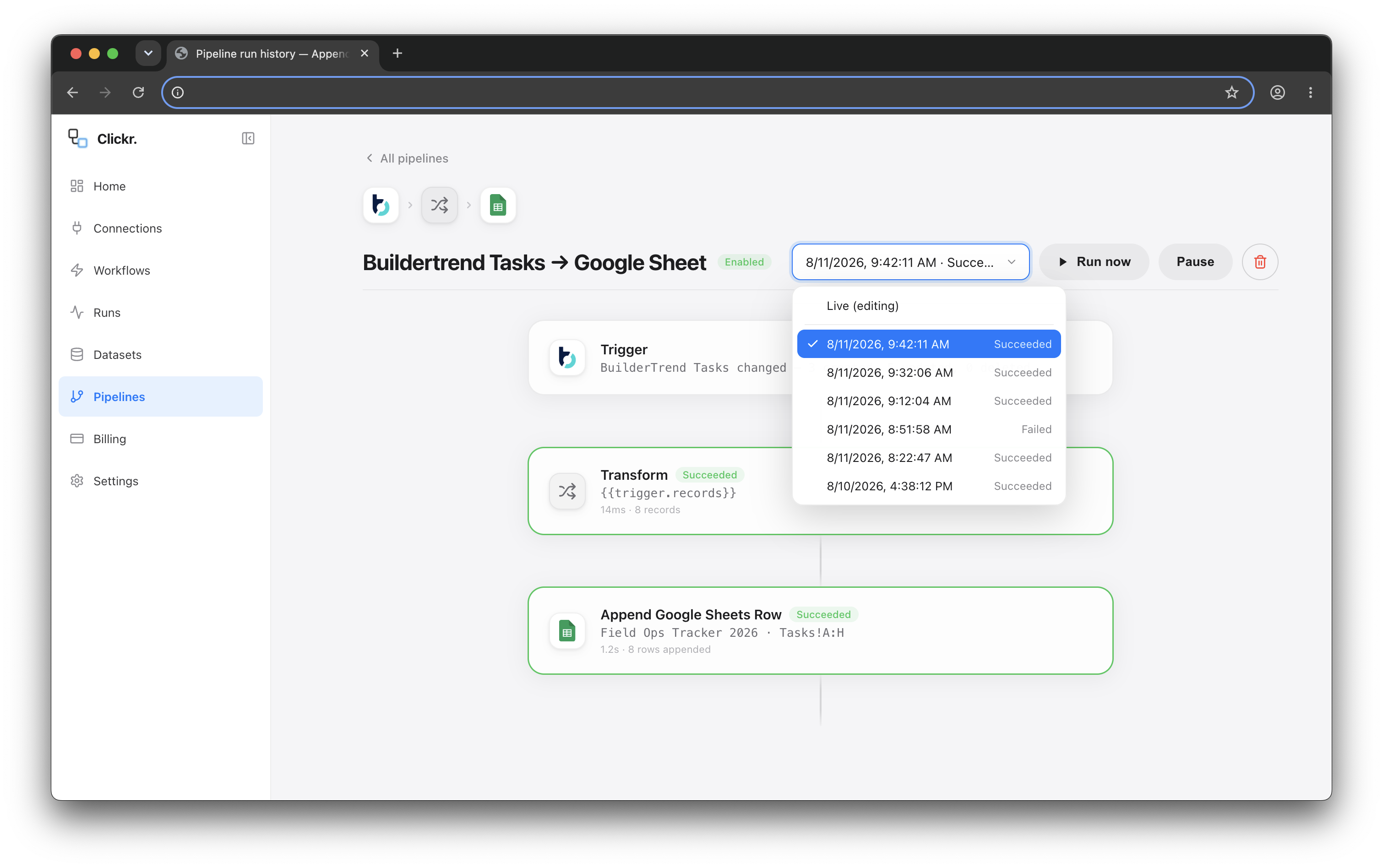
Google Sheets
Rows appended on every change
Excel / CSV
Scheduled file drop
Power BI
Via your warehouse or endpoint
BigQuery
Batch diffs, not full dumps
Your endpoint
POST with HMAC signing
Why manual exports break
A CSV is only accurate on the day it was run
Today
Buildertrend lets you export a list to Excel. You get the columns on that screen, at that moment, for whoever clicked the button. A week later the file is out of date and the only fix is to run it again. Reports that span several jobs, or put last month beside this month, become somebody’s recurring calendar reminder.
With Clickr
Clickr keeps a synced copy of the underlying records and updates it every 10 minutes, including deletions and the fields the export screen leaves out. You point it at a spreadsheet, a warehouse or your own endpoint once and the data keeps arriving.
20
Datasets available
10 min
Between syncs
Diffs
Created, updated and deleted per sync
What comes across
All 20 datasets, not one list at a time
Each of these is a full copy of the records behind one Buildertrend module, kept on the same 10-minute schedule. Turn on the ones you need; the price is the same whichever you use.
Schedules
title
jobName
phaseTitle
Lead activities
leadName
activityTitle
activityStatus
Proposals
job
status
amount
Daily logs
title
jobName
logDate
Lead proposals
title
opportunityTitle
clientContactName
Job costing budget
title
jobName
costCategoryTitle
Internal users
name
role
primaryEmail
Tasks
title
jobName
status
Jobs
jobName
jobStatus
street
Estimates
itemTitle
jobName
costCodeTitle
Invoices
invoiceNumber
jobName
ownerName
Selections
title
category
choiceCount
Documents
title
jobName
folderPath
Client contacts
displayName
primaryEmail
phone
Leads
opportunityTitle
contactName
salesperson
Change orders
coNumber
title
jobName
Purchase orders
poNumber
title
jobName
Bills
billNumber
title
jobName
Bid packages
title
jobName
bidRequestCount
Time clocks
userName
shiftDate
jobName
Each card shows three fields. See every field a dataset carries.
Where it can go
Send it where your reporting already lives
Clickr feeds the tool your team already opens rather than adding another dashboard to learn. If a destination can accept an HTTP request or read a sheet, it can take your Buildertrend data.
Spreadsheets
Google Sheets or Excel, appended as records change, so the office keeps working from the file it already uses.
BI and warehouses
Power BI, BigQuery or anything downstream of them, with changesets and diffs if you prefer sparse updates.
Your own systems
A signed POST to your endpoint, with retries and backoff, for destinations your team built.
Questions
You can, one list at a time, by hand. That holds up until you need last week's numbers every Monday, a report that spans several jobs, or history going back further than the export somebody forgot to run.
More on Buildertrend
Other ways to use the same records
The same synced records answer questions in your AI assistant, return as JSON from the REST API, or trigger a calendar invite. Every route is included in the one price.
Every dataset on the connector, every way to reach them, and what it costs.
A REST endpoint over your synced Buildertrend records, with bearer token auth and JSON responses.
Connect Claude, ChatGPT or Cursor to your synced records and ask questions in plain English.
Prompts to try on a sample builder with no sign-in, and how to connect your own Buildertrend.
Send a calendar invite to the assigned subcontractor within minutes of a schedule date changing.
Connect Buildertrend
and pick a dataset
The first three months are free and your backfill is included. Sign in with the account you already have, choose a dataset, and your records are queryable in about 10 minutes.
or email support@clickr.cloud with a question first