Ask your AI assistant about your jobs
Clickr runs an MCP server over your synced Buildertrend records. Add it to Claude, ChatGPT or Cursor once, then ask about schedules, tasks and jobs in plain English.
Free for 3 months · $80/month after that
Claude
Clickr connected
Which jobs have schedule items that moved this week?
Reading buildertrend:schedules
Three jobs had items move since Monday:
Thompson Residence
Excavation
Wed 16 → Thu 17
Nguyen Addition
Drywall
Thu 17 → Mon 21
Lot 12 — Spec
Final grade
Fri 18 → Wed 23
Why this helps
Getting an answer out of Buildertrend takes longer than asking
Today
What moved, who is on site, which jobs are behind: all of it is in Buildertrend, but reading it means opening the right page, filtering it correctly, and repeating that tomorrow. Most teams ask a colleague instead.
With Clickr
Your assistant reads the synced datasets, applies the filtering, and answers in the chat you already use. Follow-up questions work the same way, which is what a saved report cannot do.
3
Assistants supported today
Read-only
Cannot change Buildertrend
10 min
Between a change and your assistant seeing it
Setting it up
Connect Buildertrend, choose datasets, then ask
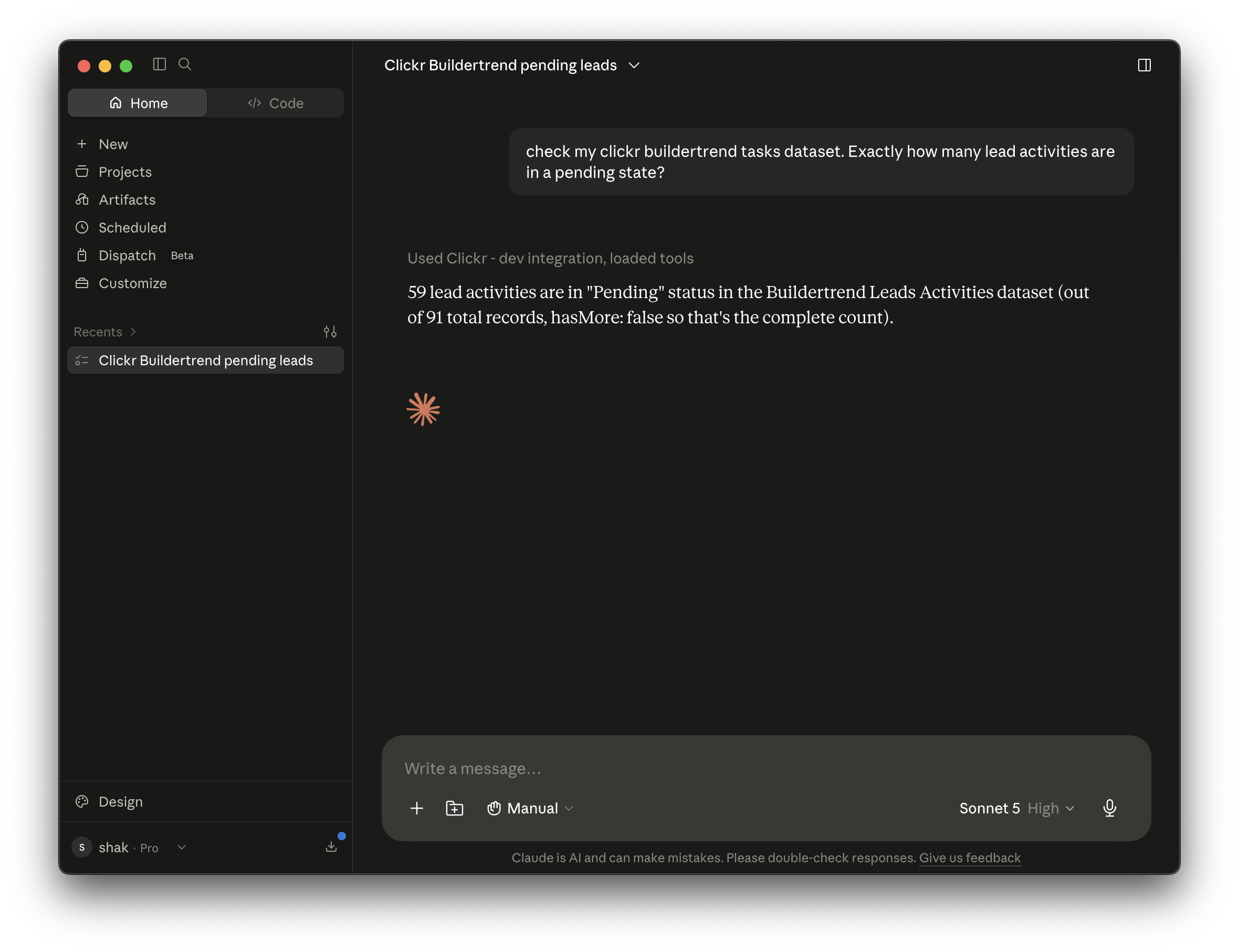
To connect Buildertrend to ChatGPT or Claude, create a Clickr account, connect your Buildertrend login to Clickr, then add Clickr's MCP connector in your assistant's settings.
Connect Buildertrend
Choose your datasets
Ask in Claude or ChatGPT
Per assistant
The steps for Claude and ChatGPT
What you need: a Buildertrend login, a Clickr account, and Claude or a ChatGPT plan with Developer mode (Plus, Pro, Business, Enterprise or Education).
How to connect Buildertrend to Claude
In Clickr, connect your Buildertrend account and turn on the datasets you want.
Copy your MCP URL from Developer API › MCP in the Clickr dashboard.
In Claude, open Settings › Connectors and choose Add custom connector.
Paste the URL, sign in to Clickr when Claude asks, and approve access.
Claude Code
claude mcp add --transport http clickr https://api.clickr.cloud/mcpHow to connect Buildertrend to ChatGPT
In Clickr, connect your Buildertrend account and turn on the datasets you want.
Copy your MCP URL from Developer API › MCP in the Clickr dashboard.
In ChatGPT, turn on Developer mode under Settings › Security and login.
Create an app for a remote MCP server, paste the URL and set authentication to OAuth.
Sign in to Clickr when ChatGPT asks, and approve access.
Clickr's Buildertrend connector is free for 3 months, and a card is required at signup. Read-only. Revoke your assistant's access at any time under Settings › Connected applications in Clickr.
3 prompts to try, and a sample builder to try them on with no sign-in: Buildertrend with ChatGPT or Claude.
Questions
MCP (Model Context Protocol) is a standard way for an AI assistant to connect to a data source. Claude calls it a custom connector and ChatGPT calls it an app. Clickr's MCP connector lets either assistant read your Buildertrend datasets when you ask.
More on Buildertrend
When a chat isn't the right place for the answer
Some questions are best answered in a conversation. Others want a spreadsheet that fills itself, an endpoint your code can call, or a pipeline that acts without anyone asking.
Every dataset on the connector, every way to reach them, and what it costs.
A REST endpoint over your synced Buildertrend records, with bearer token auth and JSON responses.
Send schedules, tasks and jobs into Google Sheets, Excel, Power BI or your own warehouse.
Prompts to try on a sample builder with no sign-in, and how to connect your own Buildertrend.
Send a calendar invite to the assigned subcontractor within minutes of a schedule date changing.
Connect Buildertrend
and pick a dataset
The first three months are free and your backfill is included. Sign in with the account you already have, choose a dataset, and your records are queryable in about 10 minutes.
or email support@clickr.cloud with a question first